3D Printer Safety in Classrooms: 8 Ways to Protect Students
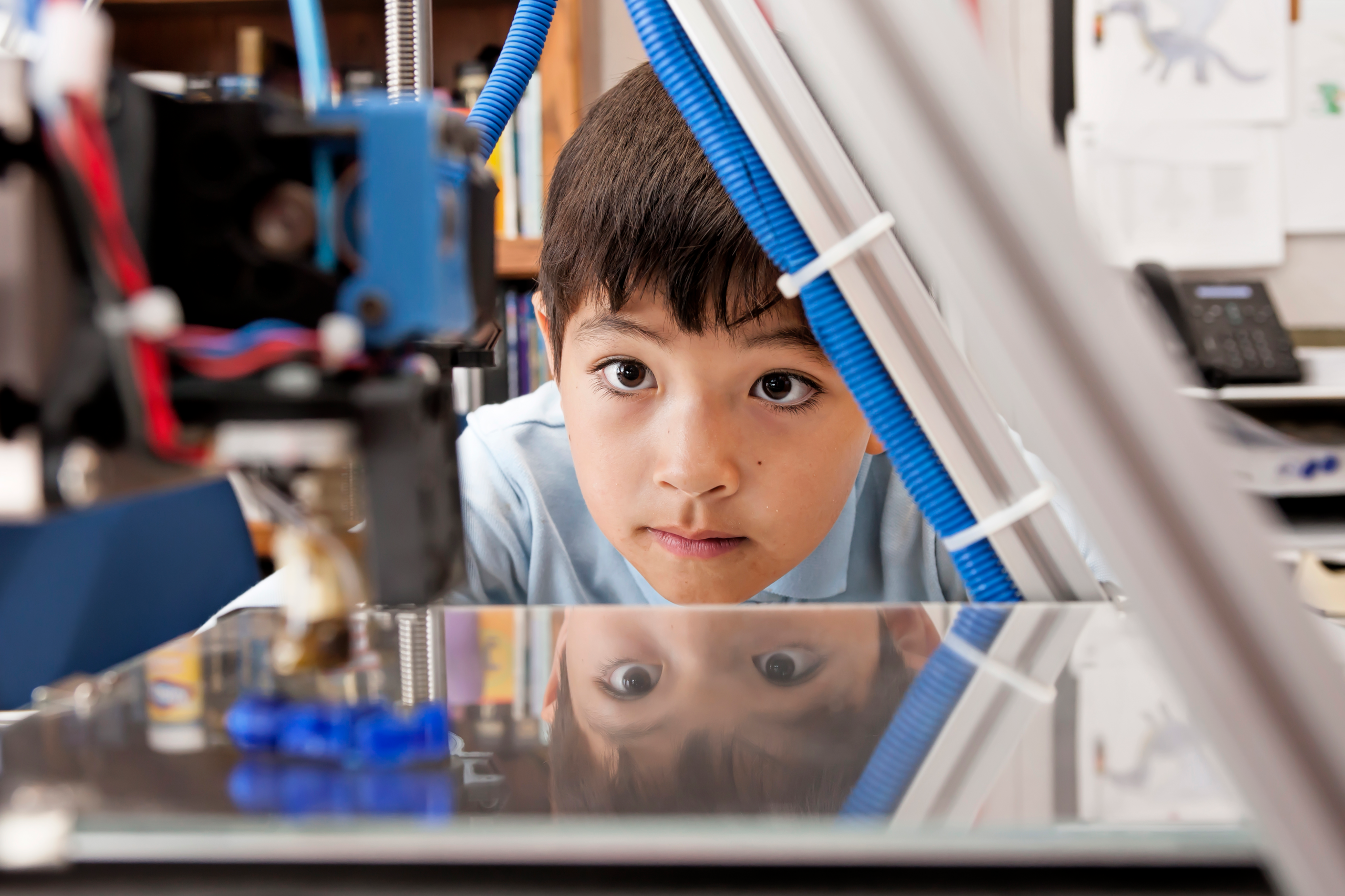
From elementary school classrooms to high school science labs, 3D printing has revolutionized educational instruction and hands-on learning. But when those 3D printers are churning out new objects, they’re printing more than plastic.
What are 3D printers really emitting into the air?
3D printers generate a complex mix of pollutants that include heavy metals (like arsenic), ultrafine particles, and volatile organic compounds (VOCs) that could be hazardous to human health.
“3D printing with thermoplastics generates nearly invisible air pollutants. Users should be aware of the potential exposure hazards,” says Qian Zhang, Ph.D., a research scientist at UL Research Institutes’ Chemical Insights Research Institute.
Short-term exposure to 3D printing contaminants can lead to throat irritation, nausea, and headaches. Long-term exposure can be associated with liver damage, asthma, and cancer.
“General or surgical masks are not effective in preventing inhalation of ultrafine particles and chemical vapors,” says Zhang. “But users can take other steps to reduce risk.”
UL Research Institutes’ Chemical Insights Research Institute, a nonprofit scientific research center that studies 3D printing and public health, has a safety checklist for 3D plastic printers. Here are 8 tips for keeping classrooms safe before, during, and after the use of a 3D printer.
BEFORE USE:
- Set up the printer with a vent leading outside: This will keep the air inside the room or building clean. Also turn on any fans or exhaust systems, so the contaminants won’t recirculate inside the building.
- Prep the printer and area: Clean the nozzles and build plate to remove any existing 3D filament build-up. Also post a sign to let people know the printer is in use.
DURING USE:
- Enclose the printer: Use a filtration system with a high-efficiency particulate air (HEPA) filter to protect against ultrafine particles and activated carbon filters for volatile organic compounds. Chemical Insights research shows this may reduce maximum particle concentration by 95% or more.
- Don’t hover: Don’t be near the 3D printer while it’s operating. If possible, monitor it through a window or with a camera.
AFTER USE:
- Wait for the printer to cool down before opening or taking printed parts out: Contaminants should have time to settle. Giving the printer time to cool will also help avoid burn hazards.
- Clean the printer: Wipe down surfaces with a wet, disposable cloth and use a HEPA-filtered vacuum to get rid of particles.
- Vacuum area: Use a HEPA vacuum because they can collect small particles.
- Clean yourself: Thoroughly wash hands and arms to avoid the transfer of chemicals.
For more guidance on keeping classrooms safe, review Chemical Insights’ technical report on “The Impact of 3D Printing on Indoor Air Quality in Educational Settings,” or download this helpful safety-tips poster for the classroom.
PUBLISHED
Tags